
01
Listen
Hear what is really there before reaching for a plugin.
SMN STUDIO · SOUND DESIGN EDUCATION
A complete, practical workflow for turning a raw Naat vocal into a clean, emotional, professional production — taught by Arif Sagar.
THE TRANSFORMATION
Hear the difference between an untreated vocal and a professionally processed vocal — the same kind of decisions you will learn inside the masterclass.
Untreated vocal — uneven dynamics, harsh top end, no space.
THE GAP
Most Naat productions do not need more plugins. They need a clearer ear, a repeatable process, and the confidence to know what to do next.
When you understand the relationship between vocal, space, dynamics, and emotion, every session gets easier — and every performance gets more room to breathe.
THE WORKFLOW
Six connected decisions. One calm, musical process you can use on every project.
Hear what is really there before reaching for a plugin.

Remove distractions and create a stable foundation.

Give the vocal clarity, warmth, and controlled movement.

Build depth and atmosphere around the performance.
Make every element support the message.
Export a master that translates beyond your room.
WHAT YOU LEARN
Build skill through a structured sequence that moves from fundamentals to a finished Naat production.
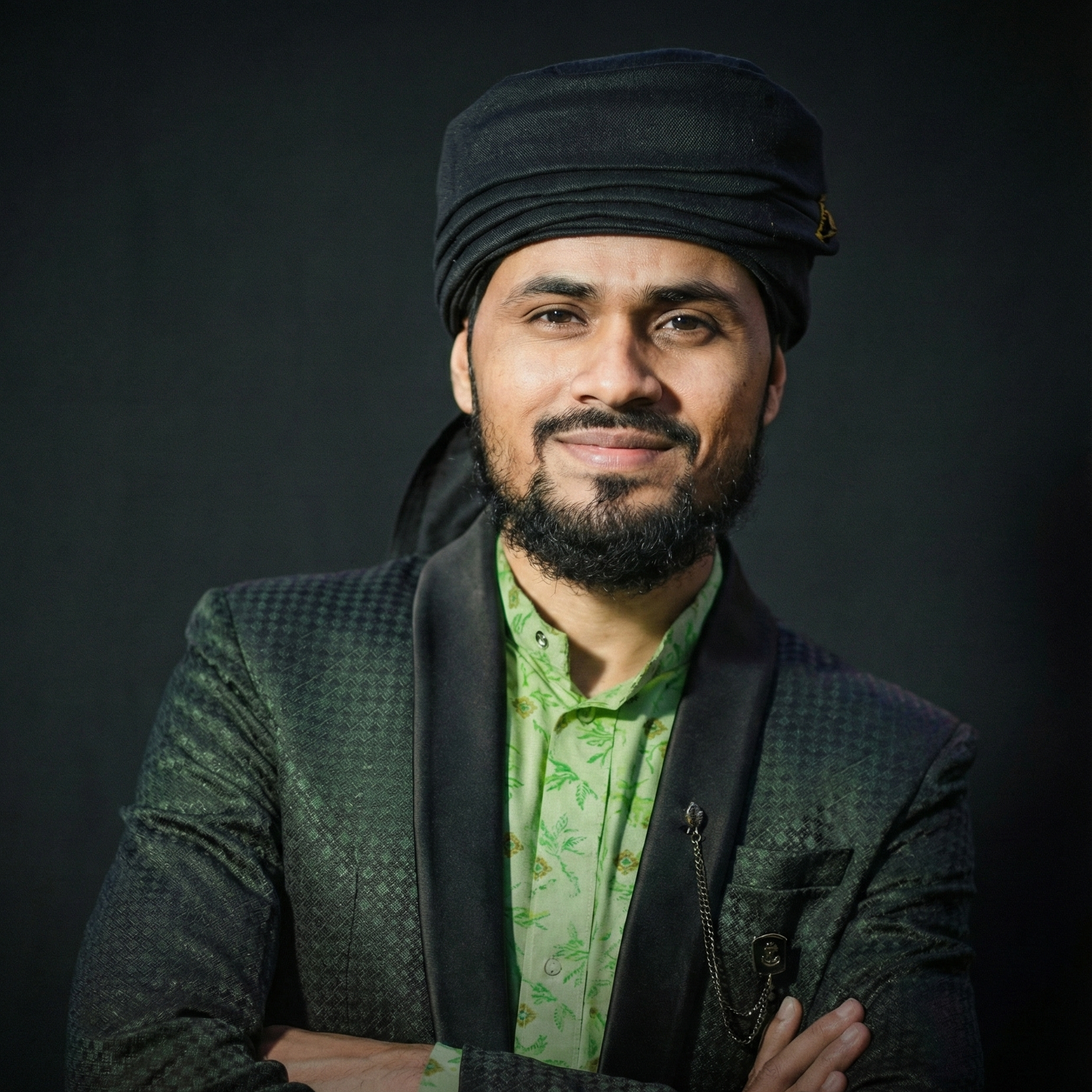
YOUR INSTRUCTOR
Arif Sagar is an Islamic Nasheed Artist & Sound Designer and the founder of SMN Studio. He has been working in Naat and Nasheed production since 2012, teaching the listening decisions that make a mix feel intentional — not just the buttons that make it louder.
FROM THE INSTRUCTOR
Arif shares the purpose behind the masterclass and what students can expect from the learning experience.
REAL STUDENT EXPERIENCES
Authentic student experiences presented on the official Graphy course page.
This is Ma Ariful Arabi Mollah. From Birshibpur. Real feedback from a real student.
Play testimonialA real honest review from Nahid Billah from Bangladesh who joined the INSD Masterclass session 1.
Play testimonialHere's another one. He is Minhaj Mullick from Howrah. He took the leap.
Play testimonialSEE OUR STUDENT RESULTS
Authentic student work presented as real results on the official Graphy course page.
THE MASTERCLASS
Everything you need to move from raw vocal to a confident, finished production — taught in a structured, practical path.
One-time payment · Lifetime access
Start learningEnquire on WhatsApp Secure checkout · Details shown before purchaseOPTIONAL TOOLS
Purpose-built digital tools to support your Naat production. These are optional paid products, separate from the masterclass.
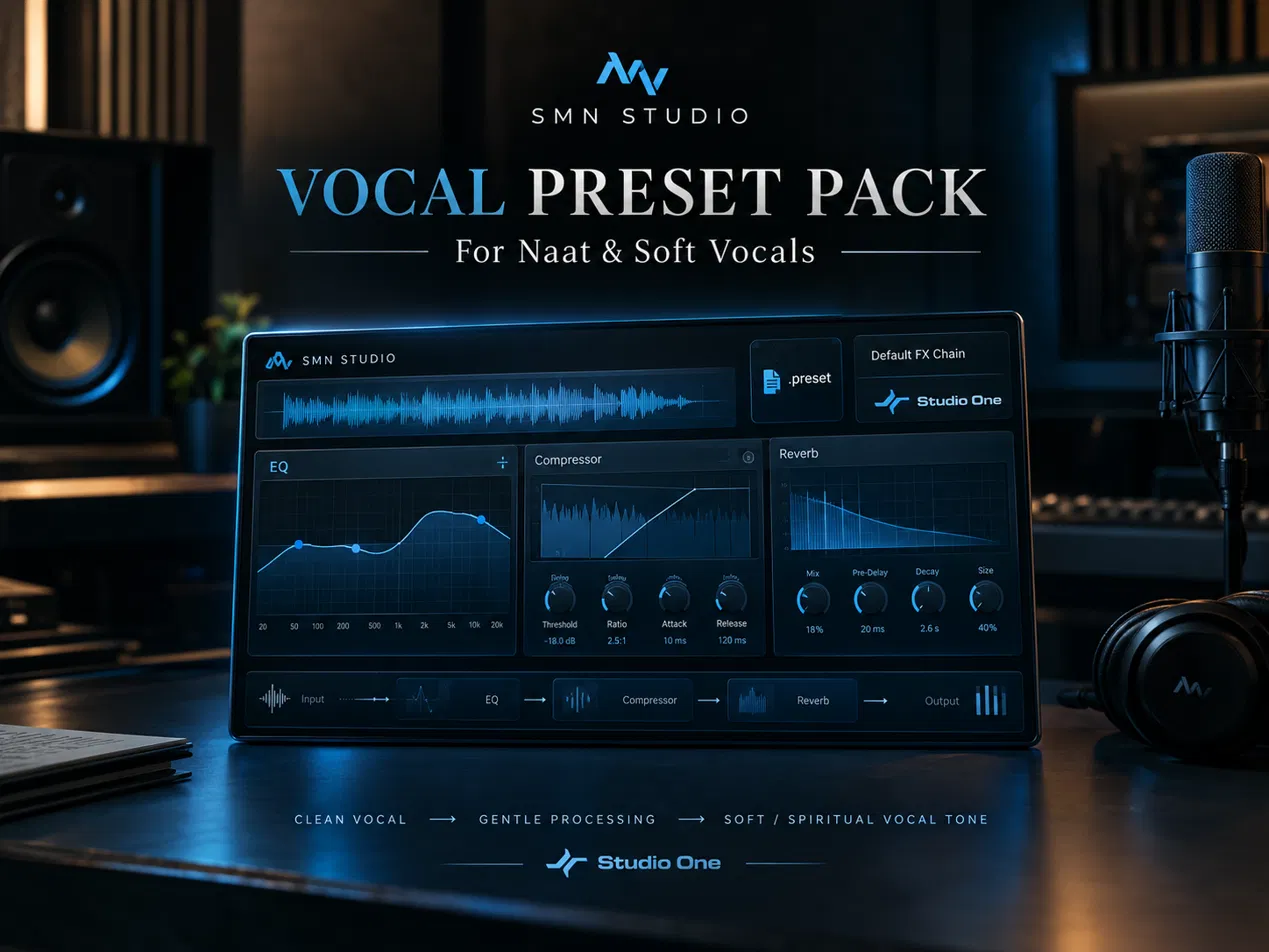
For Naat & Soft Vocals
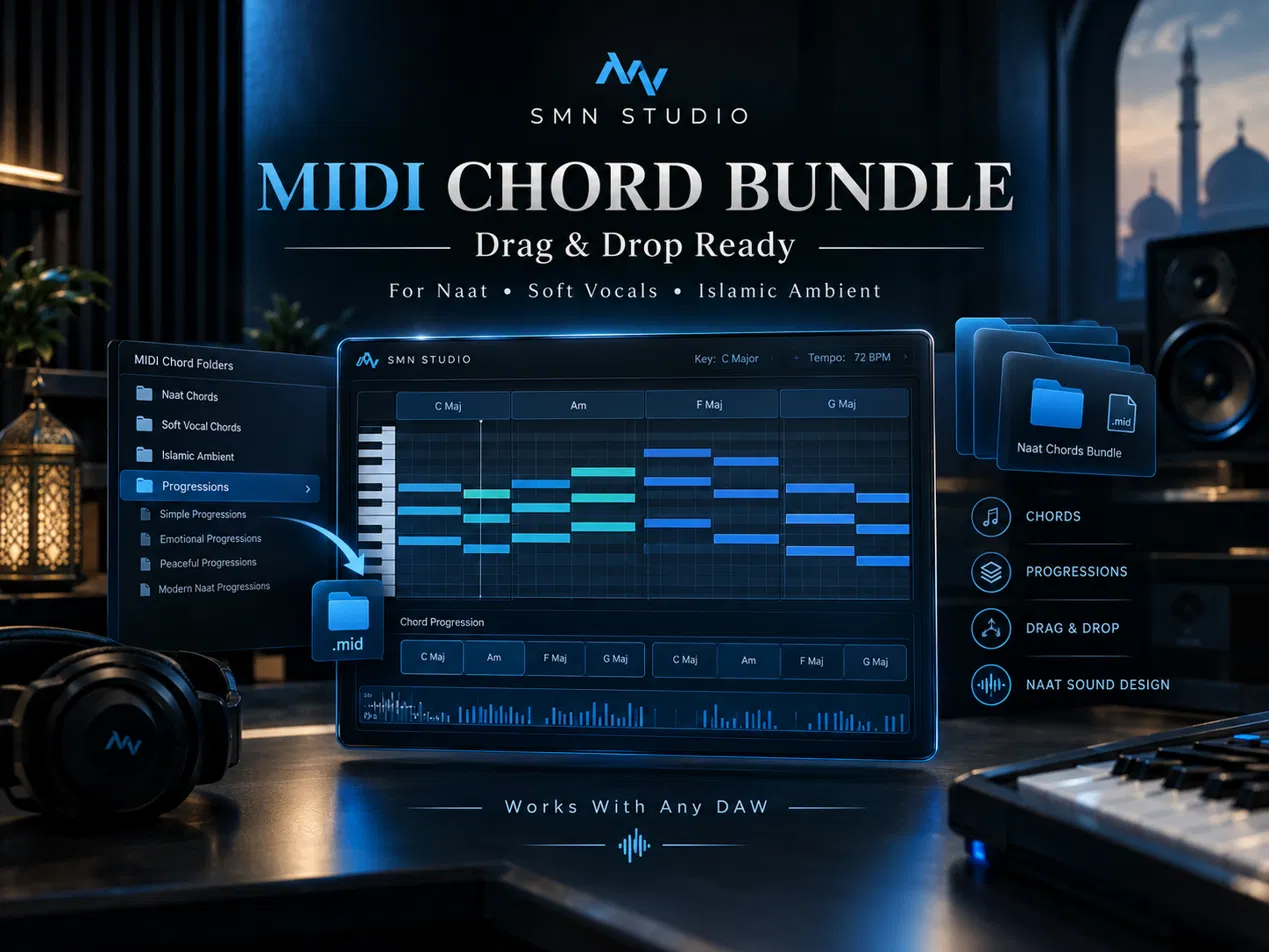
Drag & Drop Ready
FAQ
Yes. The path starts with foundations and builds toward a complete final project, so you can follow the workflow even if you are new to professional Naat production.
The practical workflow is taught in Studio One. You will need access to a PC or laptop with Studio One to follow along and complete the project.
You get the complete 7-module curriculum, 20 classes, 25+ hours of lessons, the final Naat production project, mixing and mastering workflow, and lifetime access.
The Vocal Preset Pack and MIDI Chord Bundle are separate paid tools. They are optional additions to the masterclass and are not included in the course price.
You can access the lessons on mobile, tablet, or desktop. A PC or laptop is recommended for the hands-on Studio One work.
Please review the refund terms shown at checkout before purchasing. Software, equipment, and third-party plugin costs are not part of the masterclass.
YOUR NEXT SESSION
Learn the process that lets a performance feel as powerful in the mix as it did in the room.
Explore the masterclassHave questions before enrolling?
Chat on WhatsApp